
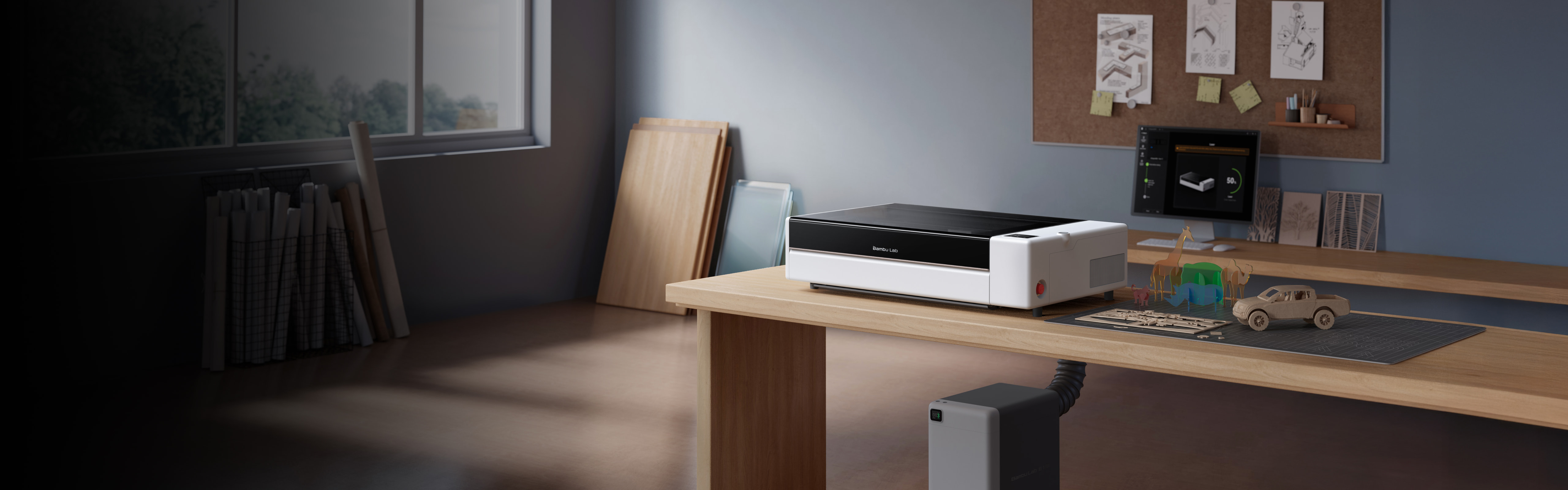
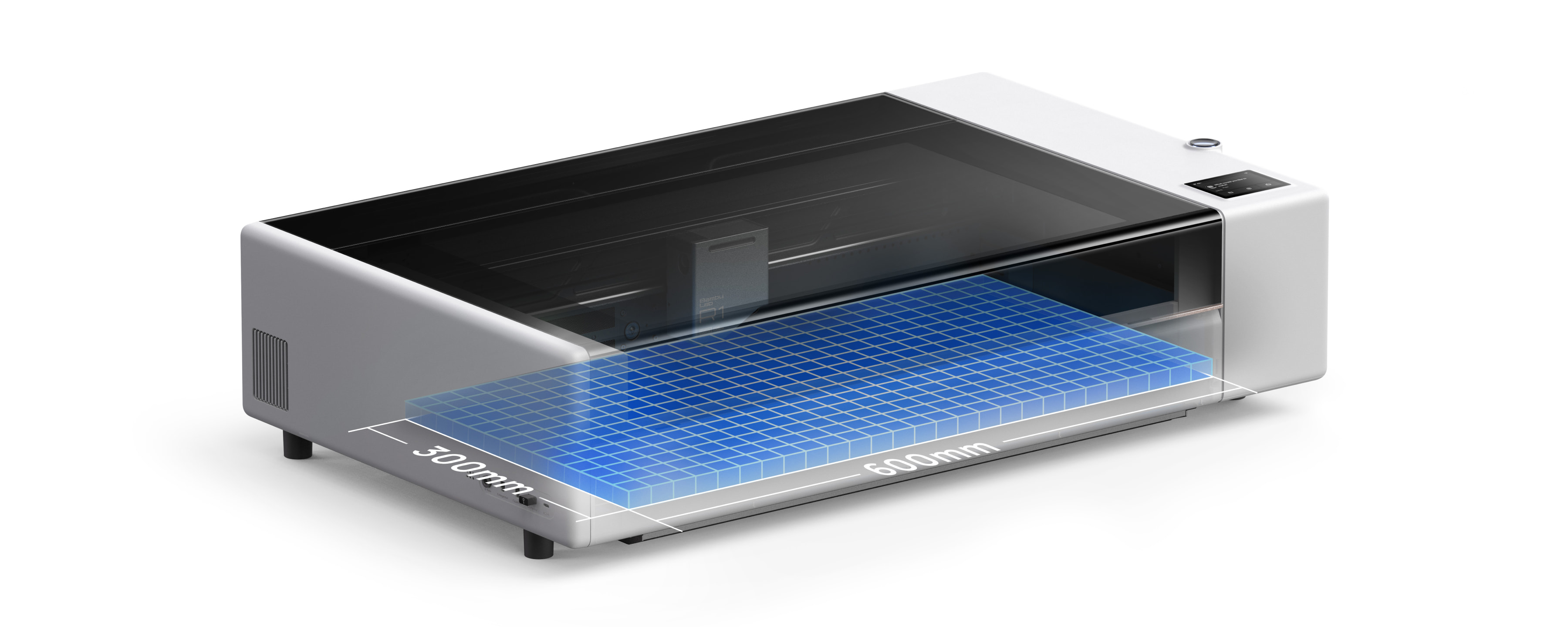
Bambu Lab has launched the R1, its first standalone laser cutter and engraver. It uses a 55W CO₂ laser with a 600 × 300 mm working area, and with the optional Conveyor it can process boards up to 3 metres long. Pre-orders opened on 22 September 2026 and shipping starts in October. The US price is US$2,499 (excluding tax, including shipping) and the European price is €2,499 (including tax, excluding shipping).
Bambu Lab is the prize sponsor for Domechy’s September 2026 Monthly Challenge. This article was not requested or reviewed by Bambu Lab.
As the machine has only just been announced, this article is based on Bambu Lab’s product page, specification sheet and press release, not on personal experience using the R1. All performance figures below are Bambu Lab’s own claims from internal testing.
Until now, Bambu Lab’s laser capability has come from the 10W and 40W diode laser modules for the H2 series printers. The R1 is a dedicated machine, and it moves to a different type of laser altogether.
Specifications
| Specification | Bambu Lab R1 |
|---|---|
| Laser | 55W CO₂ (9 to 11 μm wavelength) |
| Working area | 600 × 300 mm standalone, 600 × 3000 mm with Conveyor |
| Max cut, short-focus lens (included) | 15 mm plywood, 20 mm acrylic |
| Max cut, medium or long-focus lens (optional) | 18 mm plywood, 20 mm acrylic |
| Max speed / acceleration | 1,000 mm/s, 20,000 mm/s² |
| Spot size | 0.11 mm (short), 0.17 mm (medium), 0.19 mm (long) |
| Processing height | 0 to 58 mm, up to 248 mm with Riser Base |
| Positioning accuracy | under 0.2 mm |
| Motion accuracy with Vision Encoder | under 0.1 mm over 600 mm |
| Air assist | 30 L/min at 30 kPa |
| Dimensions / weight | 940 × 560 × 200 mm, 33.5 kg |
| Input | 100 to 240 VAC, 50/60 Hz |
| Software | Bambu Suite (Windows, macOS) |
| Connectivity | Dual-band Wi-Fi, USB |
The cutting figures need some care. The press release and the product page headline say 18 mm plywood and 20 mm acrylic, but the footnote on the product page and the specification sheet both show that the 18 mm plywood figure requires the medium or long-focus lens, which are sold separately. With the short-focus lens that comes in the box, the plywood limit is 15 mm. Acrylic stays at 20 mm with every lens. Bambu Lab also notes that all its wood figures refer to plywood.
What a CO₂ laser changes
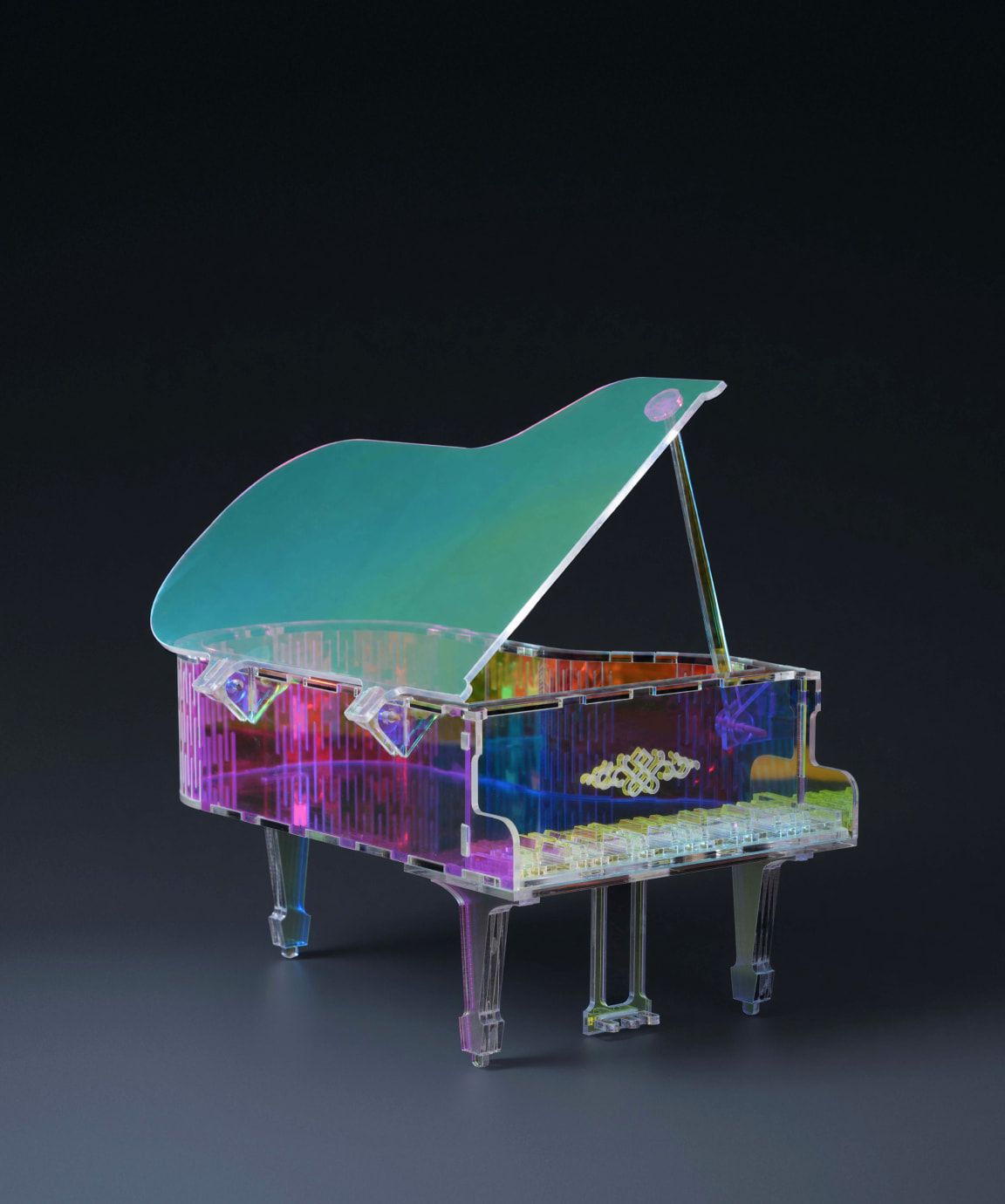
The practical difference between the R1 and the H2 laser modules is the wavelength. The H2 modules use a 455 nm blue diode laser, and clear acrylic lets that light pass straight through, so Bambu Lab lists transparent acrylic as unsupported on the H2 series. The R1’s CO₂ laser works at around 10 μm, where acrylic absorbs the energy, so it can cut and engrave both clear and coloured acrylic.
According to Bambu Lab, the R1 can cut and engrave wood, acrylic, leather, fabric, paper, EVA foam and shell, and can engrave glass, ceramic and coated metal. It cannot mark bare metal. This is a normal limitation of CO₂ lasers, but readers coming from diode lasers, which can mark some bare metals, should be aware of it.
Automatic laser alignment
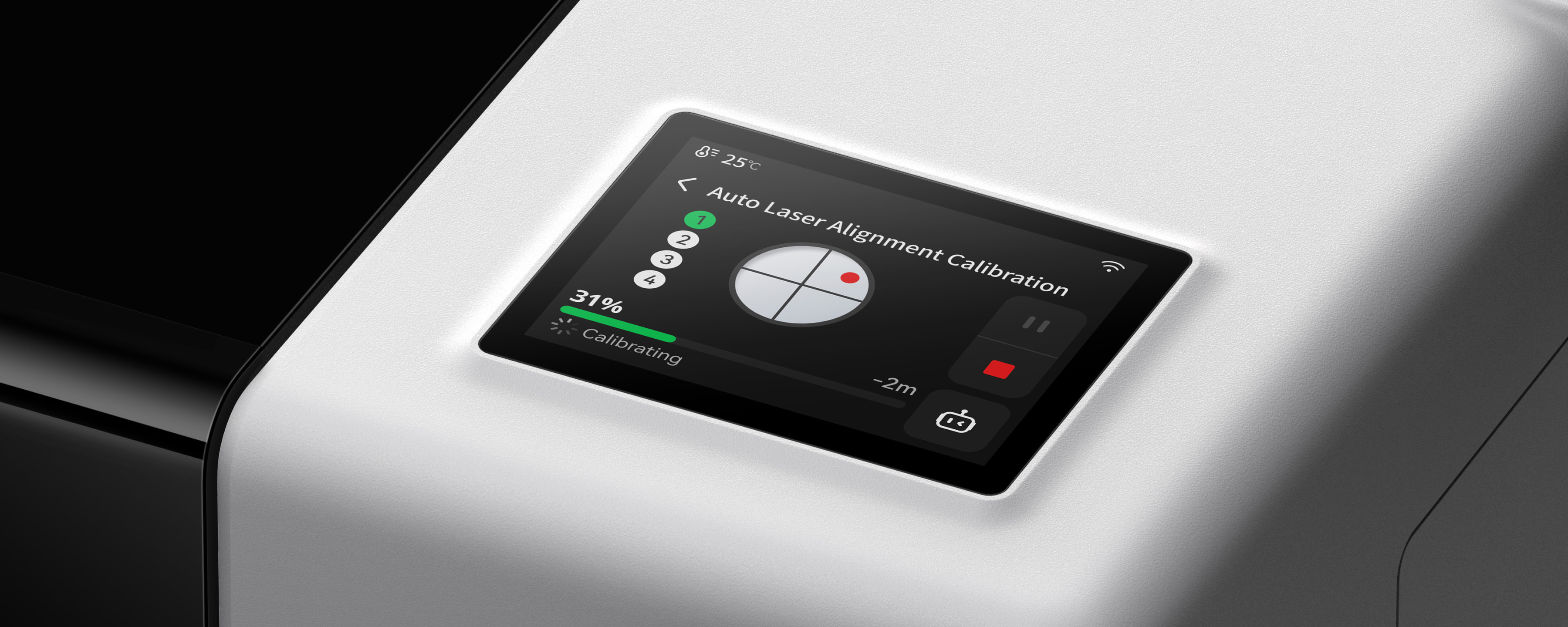
The most notable new feature is automatic optical path alignment. On a CO₂ laser, the beam travels from the tube through a series of mirrors before reaching the focusing lens, and those mirrors drift out of alignment over time. Aligning them normally involves firing test shots onto tape or thermal paper and adjusting the mirror screws by hand until the beam lands in the same spot at every corner of the bed. It is one of the most common complaints from new CO₂ laser owners.
On the R1, the user mounts a Laser Alignment Sensor on the toolhead, and the machine measures the beam, detects the misalignment and corrects the optical path by itself. Bambu Lab says the process takes about one minute and describes it as a first for a laser cutter. Bambu Lab has not explained on its public pages what mechanism moves the optics during correction.
This feature matters more than it first appears because alignment is not a one-time job. Bambu Lab’s own FAQ recommends optical path calibration on first use, after moving the machine, after replacing the laser tube or lenses, when results degrade, and monthly as routine maintenance. If the automatic process works as described, it removes a recurring task, not only a setup step.
Positioning, cameras and motion control
Bambu Lab calls the R1’s positioning system TriSense. It combines two cameras, two lasers and two encoders. The BirdsEye Camera captures the whole work area, and the Toolhead Camera handles close-up positioning for small objects and for tracing printed outlines. A pinpoint laser marks the working position on the material, and a distance measurement laser reads the surface height for autofocus and for engraving on curved surfaces. Bambu Lab says the height measurement also works on clear materials such as glass and acrylic. XY encoders track the toolhead position during the job. Bambu Lab claims positioning accuracy under 0.2 mm, and under 0.1 mm across the 600 mm axis with the optional Vision Encoder, which is intended to correct for mechanical drift over time.
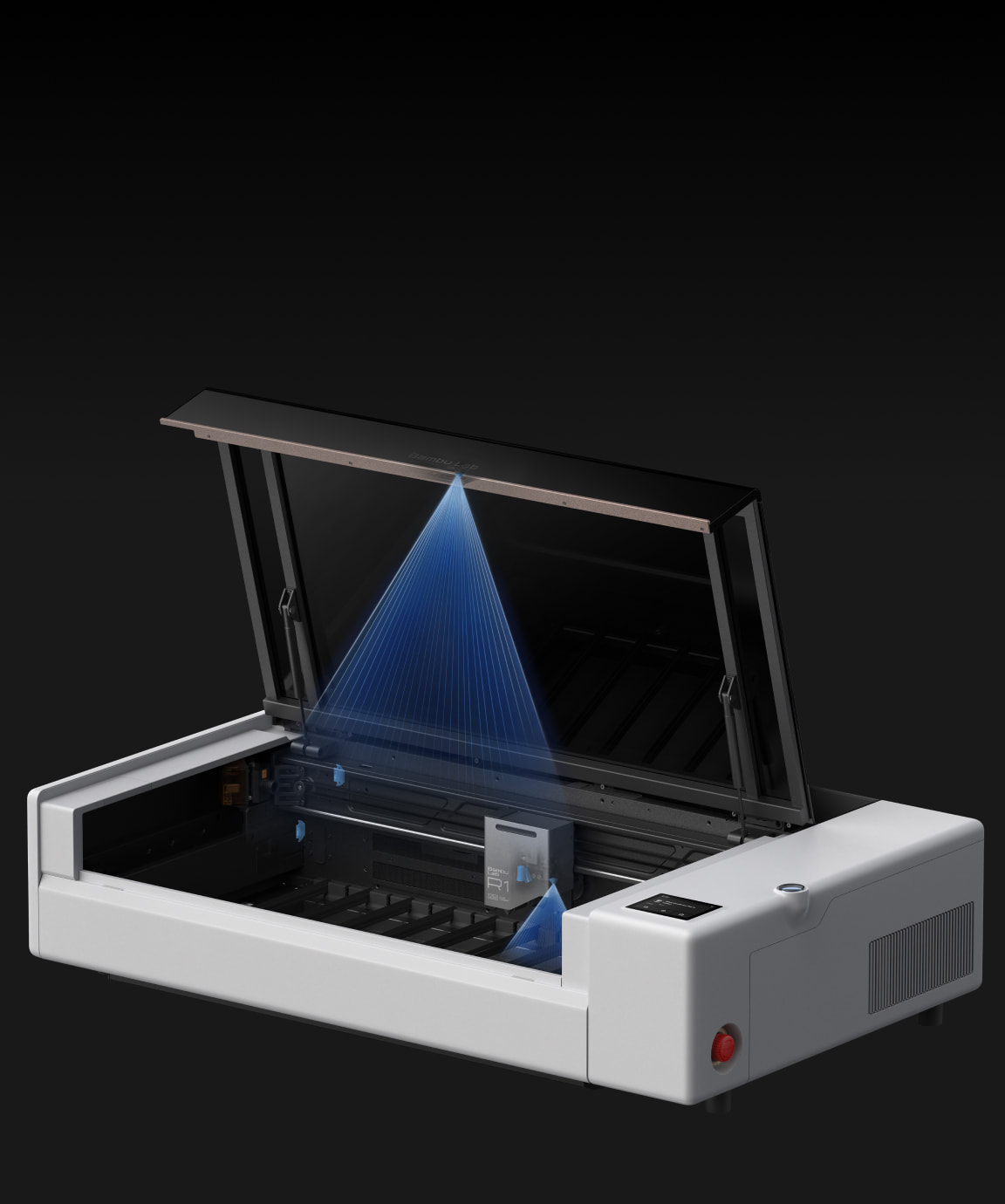
Two features come from Bambu Lab’s printers. Vibration compensation reduces the ripple that follows a sharp change of direction, which Bambu Lab calls a first on a CO₂ laser. The R1 also adjusts laser power to match the toolhead’s speed, so engraving depth stays consistent when the machine slows down at corners. Bambu Lab claims image engraving is nearly three times faster than a typical CO₂ laser, based on the R1 running at its maximum 1,000 mm/s and 20,000 mm/s² against a comparison machine at its own maximum settings. The comparison machine is not named.
Other features include a touchscreen on the machine for monitoring jobs without a computer, and automatic material recognition that applies preset power and speed settings. The recognition only works with Bambu Lab’s own materials.
Accessories and the Class 4 caveat
The R1 comes with the short-focus lens. Everything else is sold separately: the Riser Base, Conveyor, Rotary Attachment, medium and long-focus lenses, Vision Encoder, E1 Pro Air Purifier and Auto Fire Extinguishing System. Bambu Lab has not published accessory prices on the pages reviewed for this article.
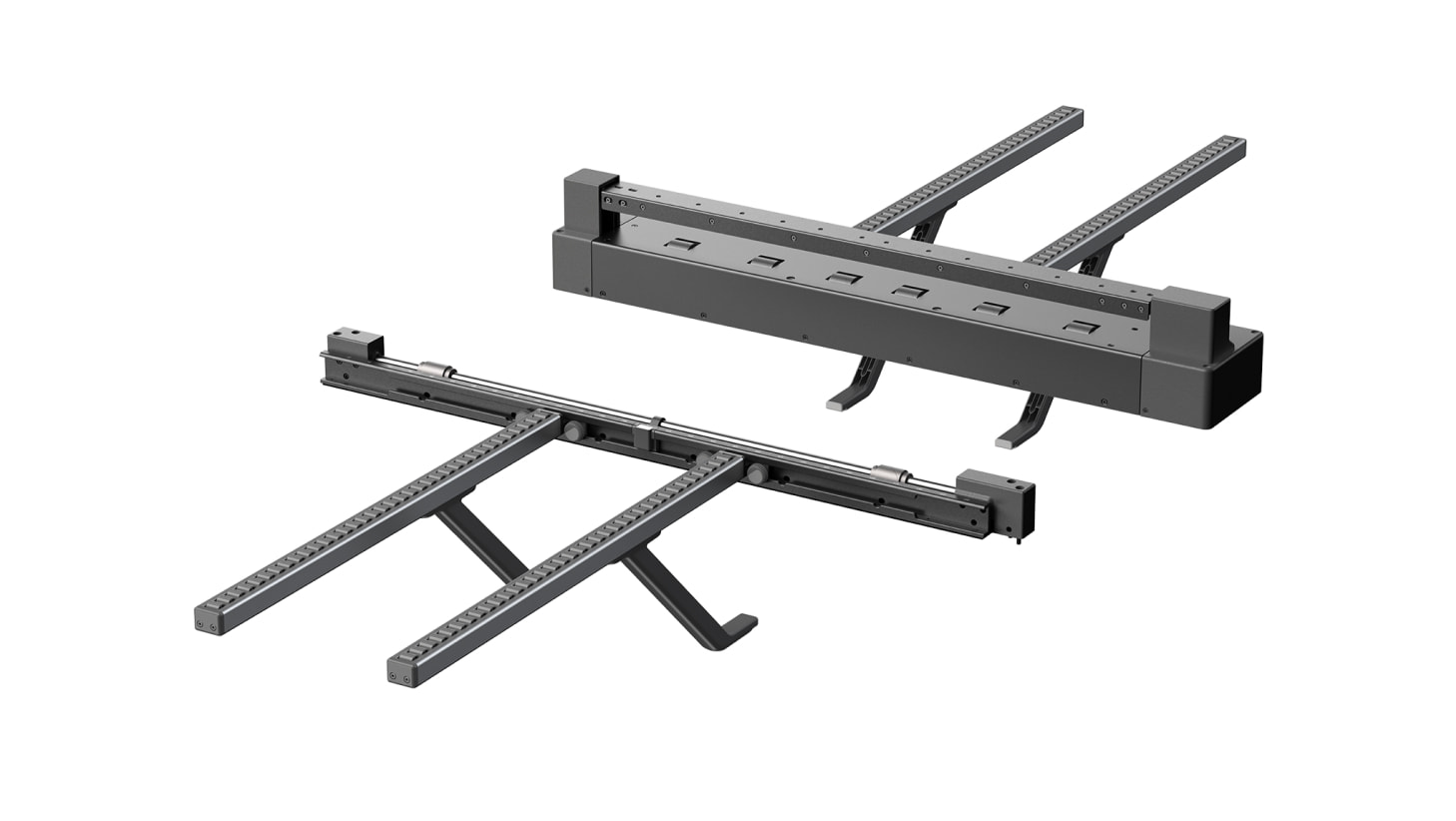
In its standard enclosed configuration, the R1 is a Class 1 laser product under IEC 60825-1, so no laser safety glasses are needed. That changes with the accessories. When the Riser Base or the Conveyor is installed, the enclosure is no longer sealed and the R1 becomes a Class 4 device. Bambu Lab states that this setup requires CO₂ laser safety eyewear and is intended for professional use by trained personnel only.
This affects more users than the Conveyor alone suggests, because the Rotary Attachment also requires the Riser Base. Anyone planning to engrave tumblers, bottles or cups on the rotary will therefore be running a Class 4 setup. At launch, the rotary supports cylinder processing only. Bambu Lab says revolve shape processing, for objects such as bowls with a changing diameter, will come in a later firmware update.
Ventilation and space
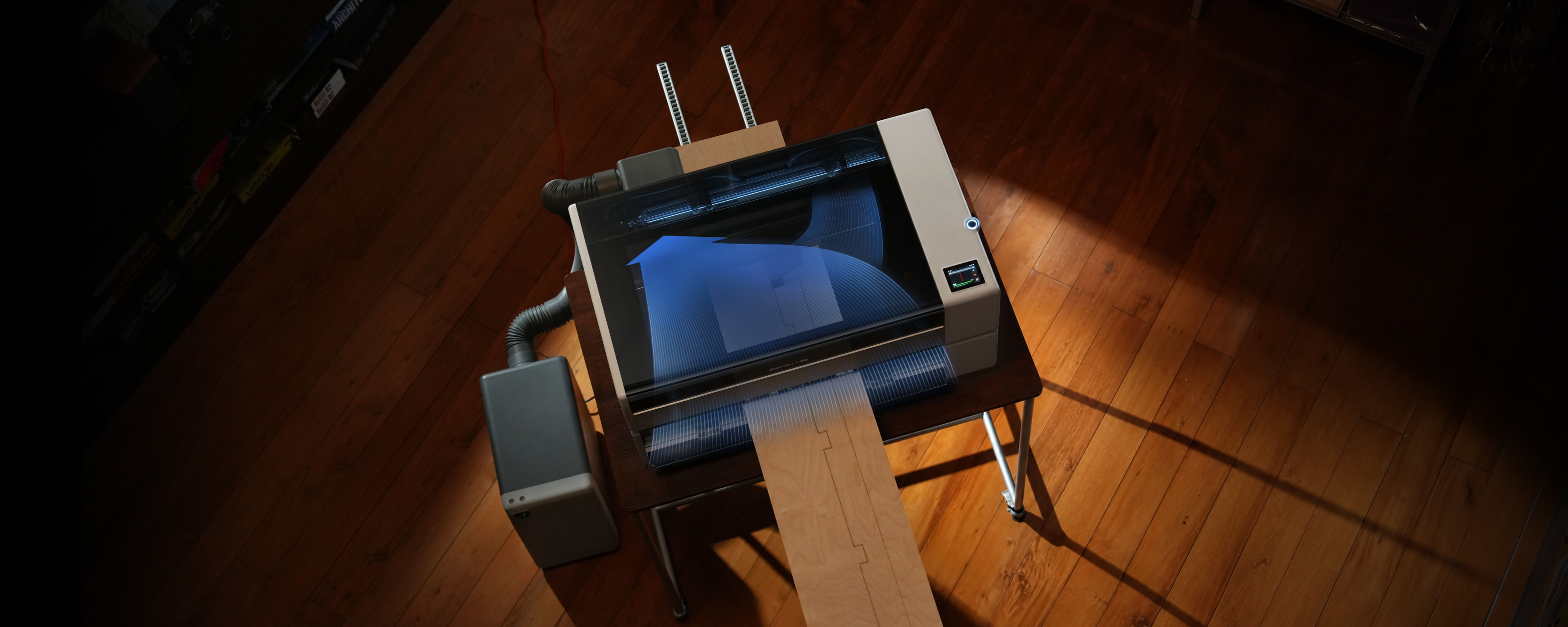
A CO₂ laser produces smoke and fumes, and acrylic in particular releases gases that should not stay in a living space. The R1 uses crossflow ventilation, drawing air in from one side of the chamber and exhausting it from the other. The exhaust then needs to go either outside through a duct or into the E1 Pro Air Purifier, which connects directly to the R1’s outlet and uses activated carbon filters. Bambu Lab’s older Smoke Purifier also fits but without the smart link.
For Malaysian users in terrace houses or condominiums, this is the first thing to plan. The machine alone is 940 × 560 mm, and Bambu Lab recommends a space of 1140 × 860 × 750 mm including clearance. With the Conveyor, long stock also needs free space in front of and behind the machine. For 1.5 m boards, Bambu Lab suggests about 1.1 m in front and 0.95 m behind. The recommended operating temperature is 10°C to 30°C, which is worth noting for an unconditioned workshop in the Malaysian heat.
Where it fits for 3D printing users
The R1 runs on Bambu Suite with the same Bambu account and MakerWorld library as the company’s printers. Most of the example projects on Bambu Lab’s launch page combine the two processes, with laser-cut panels or acrylic shades paired with 3D-printed legs, bases and diffusers. For makers who already own a Bambu printer and have used the H2 laser module or a diode laser, the R1 is the step up to clear acrylic, thicker sheet material and larger panels.
The hardware specification itself is similar to other enclosed 55W CO₂ desktop machines already on the market, which also offer a 600 × 300 mm class work area, cameras, curved-surface autofocus, risers and pass-through feeding. What Bambu Lab is adding is automatic mirror alignment, vibration compensation and its own software ecosystem. Whether those are worth choosing the R1 over an established alternative will depend on how well they work in practice.
Price, availability and open questions
The R1 is priced at US$2,499 in the US and €2,499 in Europe, with pre-orders open now and shipping from October 2026. Bambu Lab has not announced Malaysian pricing or local availability yet.
Several things are still unknown from the launch information:
- The rated lifespan and replacement cost of the CO₂ laser tube, which Bambu Lab’s FAQ confirms is a replaceable part
- How the laser tube is cooled
- Prices for the accessories, especially the medium and long-focus lenses needed for the 18 mm plywood figure
- Malaysian and SEA pricing and distribution
The R1 is not an entry-level engraver, and at US$2,499 before accessories it is aimed at serious hobbyists and small businesses. The more useful question is whether automatic alignment and Bambu Lab’s motion control make a CO₂ laser easier to own over months of use, not just on the first day. That can only be judged once units reach buyers in October.
Sources
- Bambu Lab R1 product page
- Bambu Lab R1 technical specifications
- Bambu Lab R1 FAQ
- PR Newswire: Big Job, Light Work. Bambu Lab Launches R1
Don’t miss the latest articles and guides
Get new Domechy articles, guides and free models straight to your inbox.

Wanna share your thoughts or request anything? Comment below.