

Ridzwan Normahazan
written on 23 May 2026
Elegoo Centauri Carbon 2 Combo: Is It Worth the Price?
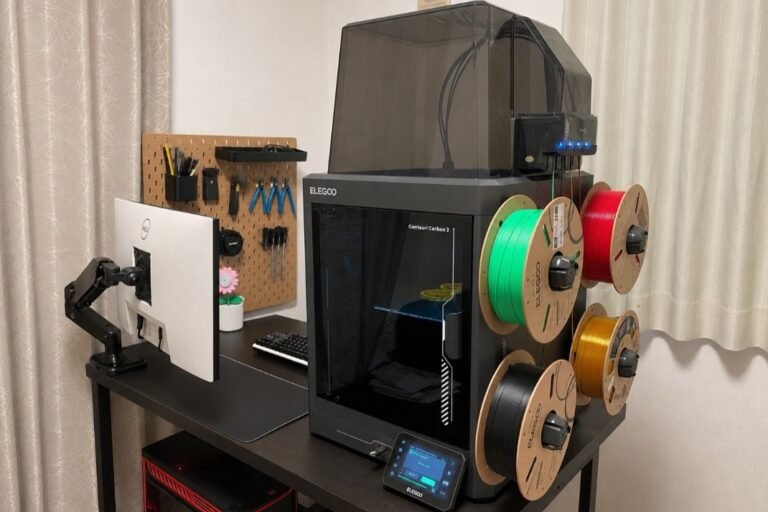
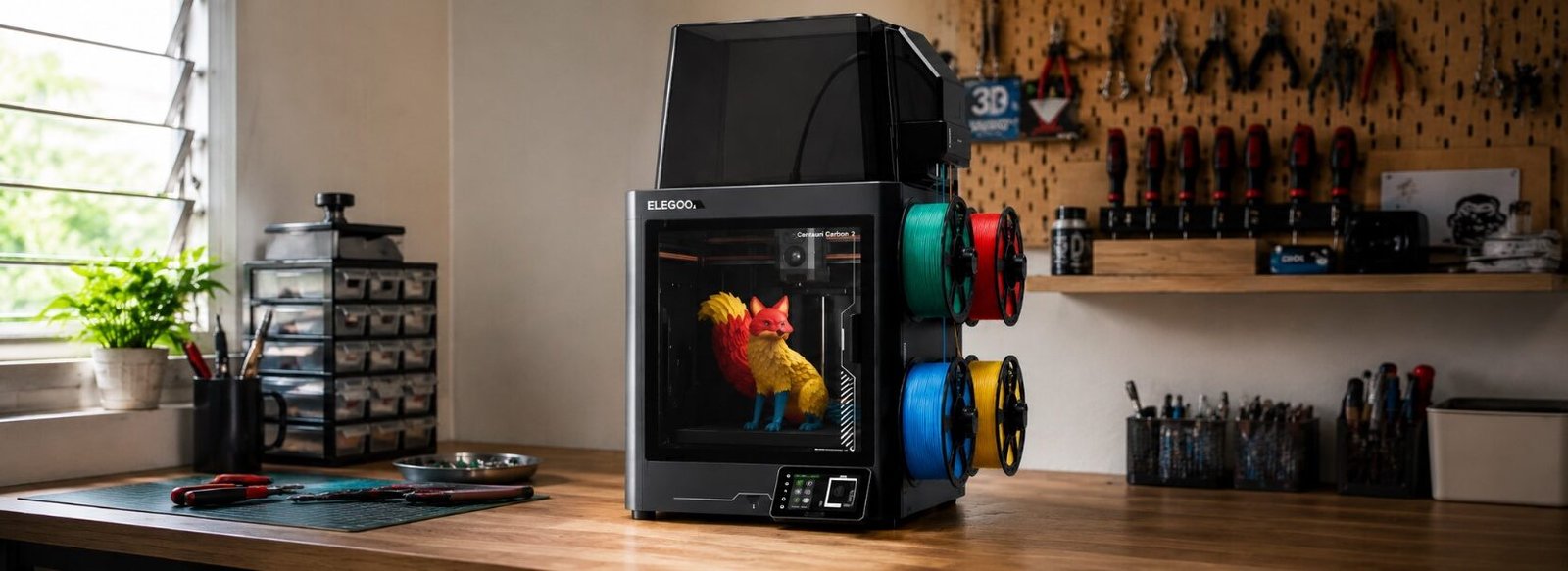
Since the Elegoo Centauri Carbon 2 Combo launched a few months ago, many of my viewers and social media followers have been asking me to review it.
That’s not surprising. The Centauri Carbon 1 was widely regarded as one of the best budget printers on the market last year. So the question is — can its successor carry on that legacy?
I’ve only been using this printer for a few days and managed to run some basic tests. So for this article, I’d like to share my early impressions first before moving on to more extreme tests in future articles.
This is not a full long-term review, but my early impressions after a few days of using the ECC2C.
Basic Specification
| Specification | Details |
|---|---|
| Price | RM1,999 (price at the time this article was written) |
| Printer Type | FDM, CoreXY, Enclosed |
| Build Volume | 256 × 256 × 256 mm |
| Maximum Speed | 500 mm/s |
| Multi-color System | Canvas (4 colors) |
| Maximum Nozzle Temperature | 350°C (Hardened Steel) |
| Maximum Heated Bed Temperature | 110°C |
| Noise Level | ≤ 45 dB |
| Display | 5-inch Touchscreen |
Unboxing and Setup
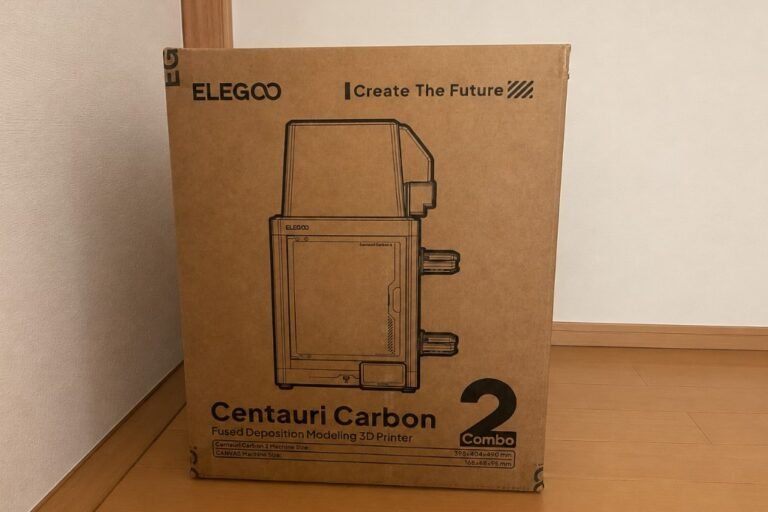
My first impression of the product when it arrived was quite positive. The packaging is solid, with hard corner plastics at every corner to prevent damage during shipping. This is the first improvement I noticed compared to the Elegoo Centauri Carbon 1 (ECC1) — when I received the ECC1 box back then, the corners were dented during delivery. It’s not directly related to the printer’s performance, but it’s a small improvement worth acknowledging.
For initial setup, Elegoo provides video tutorials on their official YouTube channel. Users just need to follow the steps shown, so I think it’s straightforward enough for a beginner to assemble and configure even for the first time.
The Canvas system — ECC2C’s multi-color system — does make the assembly process slightly more complex compared to the ECC1, but it’s still manageable in my opinion.
The Canvas System for Multi-Color Printing
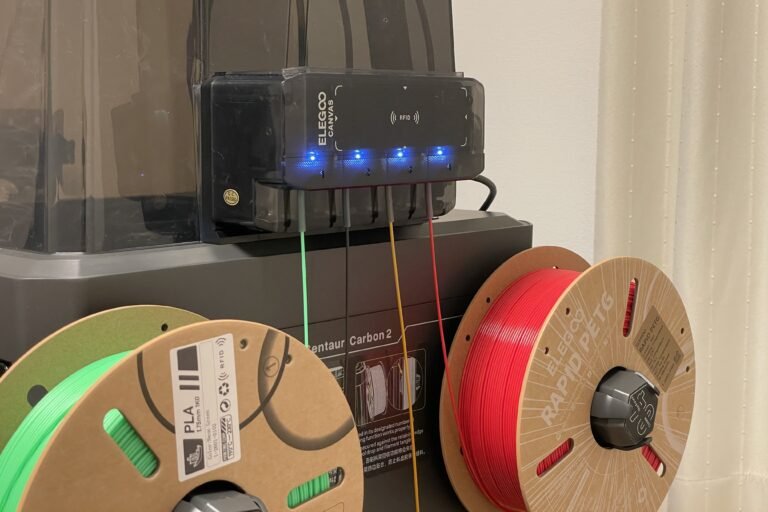
The Canvas system is Elegoo’s answer to the demand for multi-color printing. Similar to the AMS in Bambu Lab, it allows the 3D printer to print more than one color by automatically switching the filament being used during the print process.
Both systems can automatically identify filament using RFID, but their approaches are slightly different. The AMS system can automatically detect the RFID on the filament spool — including which filament is being used and which slot it’s placed in — as soon as you load it into the AMS.
With the ECC2C Canvas, you need to bring the RFID-tagged spool close to the RFID reader on the Canvas module, wait for a beep to confirm, then select which slot to place the filament in.
Important note: When loading filament for the first time, manually load one filament until you see it coming out of the nozzle before starting any print. Otherwise, you may get an error message saying the filament loading has failed.
Impressive Print Quality
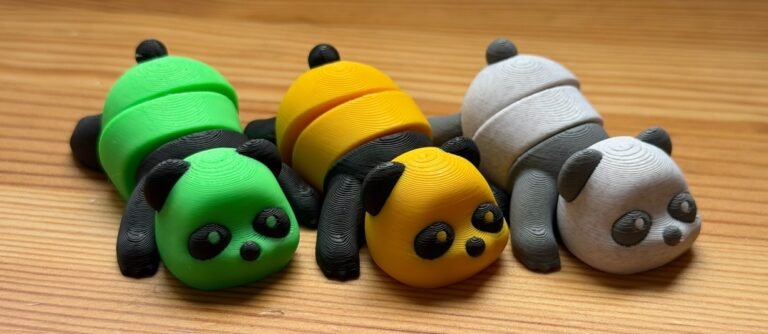
Based on my early tests, what I can say is that the ECC2C’s print quality is on par with printers that cost significantly more.
To make the comparison clear and fair, I printed the same panda model that I printed using the Bambu Lab X2D and Bambu Lab P2S. In terms of print time, the ECC2C took approximately 4 hours 19 minutes — slightly slower than the Bambu Lab P2S which took 3 hours 53 minutes. However, the print quality of the ECC2C is just as good as both the Bambu Lab P2S and X2D. For a printer that costs roughly half the price of the Bambu Lab P2S, that is a very impressive achievement.
Additional Tests

Beyond the panda test, I also ran two additional tests.
First, I printed the same octopus model I printed during the X2D review. What was interesting — for the octopus eyes, I used Rapid PETG while the rest of the body was printed in PLA. The result was surprisingly good. So for simple applications like this, the ECC2C handles multi-material printing quite well.
Second, I reprinted the same panda model from the first test, but this time I doubled the print speed to see how it affected print time and quality. The difference in print time was not that obvious — maybe only a few minutes. I think this is likely because the model is too small for the speed increase to make a significant impact. As for quality, I could barely tell the difference between the two prints.
Things I'm Not So Happy With (So Far)
While I’ve had a lot of praise for the Elegoo Centauri Carbon 2 Combo as a high-quality printer for its price, that doesn’t mean it’s perfect. Behind the affordable price and impressive specs, there are a few shortcomings you’ll need to be patient with.
1. Frequent “Cannot Load Filament” Error
I encountered this error message the very first time I tried to print with the ECC2C. I had to manually press “load” for one of the filaments and repeat the process multiple times despite the error appearing each time, before I finally saw filament coming out of the nozzle and the printer was ready to use. After that, I was able to print normally.
A few days later, I faced the same issue when trying to switch filament from one of the Canvas slots. I used the same steps and managed to resolve it again.
Once you know how to fix it, it’s not a huge problem. But for someone used to the automatic process in other printer brands, this can be a little frustrating.
2. A Disappointing Slicer
I’ve gotten too used to the convenience of Bambu Studio and Orca Slicer. So when I switched to Elegoo Slicer, it felt like a step backwards.
For example, even after syncing the filament with the printer, it didn’t always show the correct result. Even though the filament loaded in the printer was set as PETG, the software would show it as PLA after syncing. So you’d end up having to manually adjust the settings in the software anyway. Again, it’s not a dealbreaker, but for someone used to the seamless automation of other brands, it is a bit of an annoyance.
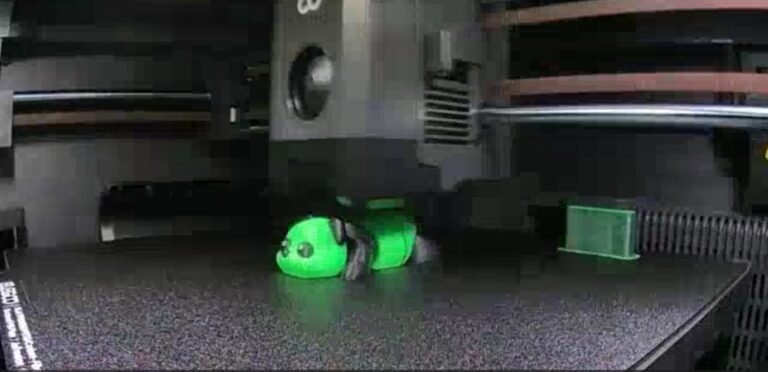
3. Non-HD Camera
As a content creator, I often record timelapse videos of the printing process to use in my videos. The first time I saw the footage from the ECC2C camera, I was a little disappointed — the quality wasn’t great and isn’t suitable for social media videos.
That said, I want to make something clear — all the shortcomings I’ve mentioned above only relate to secondary aspects of 3D printing. They don’t directly affect the print quality itself. It’s more about the overall convenience of using the printer.
Who Should Buy the ECC2C?
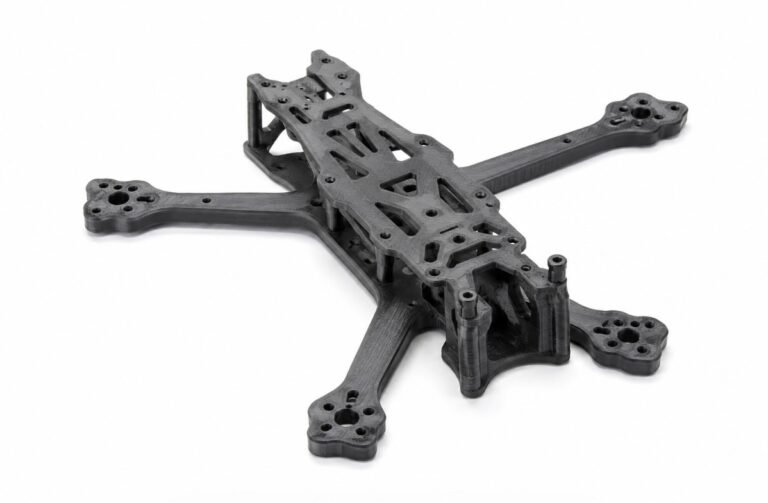
In my opinion, the ECC2C is a great fit for anyone who wants a 3D printer as a tool to produce high-quality 3D prints, but has a limited budget. If you don’t place too much importance on extras like HD camera quality, a complete ecosystem, and seamless software, I think you’ll really enjoy the ECC2C.
For example, if you’re a university student who needs an affordable 3D printer for your final year project — like printing a drone frame — the ECC2C is more than capable of handling that using tough materials like carbon fibre-reinforced filament.
But if you care a lot about the extras — like controlling your printer through your phone, not wanting to troubleshoot frequent filament loading errors, or needing to record HD timelapse videos for social media — then the ECC2C might not be the right fit for you.
Conclusion
The Elegoo Centauri Carbon 2 Combo is a very good printer for its price. The print quality is on par with printers that cost significantly more, and in terms of value for money, it’s hard to beat in this price range.
But it’s not perfect. The filament loading issue and the slicer sync problems are quirks you’ll have to deal with. The important thing is that these weaknesses don’t directly affect the print quality itself — the printer consistently produces high-quality results.
If you’re someone who strongly prioritises a complete ecosystem — seamless sync across all platforms, camera monitoring from anywhere, easy phone control — then you may find the ECC2C hard to tolerate. Bambu Lab might be a better fit for you, even at a higher price.
But if your main focus is print quality and value for money, the ECC2C is still a very solid choice, and I believe it offers exceptional value for its price.
Stay tuned for my next article where I’ll be putting this printer through more challenging tests.
If you’d like to know where to buy this printer in Malaysia, check out the 3D printer store list I’ve put together on Domechy.
Note: The Elegoo Centauri Carbon 2 Combo unit was sent to me free of charge for testing and review purposes. However, all opinions shared in this article are entirely my own and were not directed or influenced by Elegoo in any way.
Read about Bambu Lab X2D early review here.
Looking to buy a 3D printer in Malaysia?
We've put together a curated list of 3D printing shops, filament suppliers, and service providers across Malaysia.
View the directory →Don’t miss the latest articles and guides
Get new Domechy articles, guides and free models straight to your inbox.
