
Reka bentuk 3D dengan Shapr3D.
Saya guna Shapr3D untuk projek 3D printing, reka bentuk produk, dan kerja kejuruteraan sebenar. Anda boleh cuba secara percuma, atau guna kod RIDZWAN10 untuk 10% diskaun Shapr3D Pro.
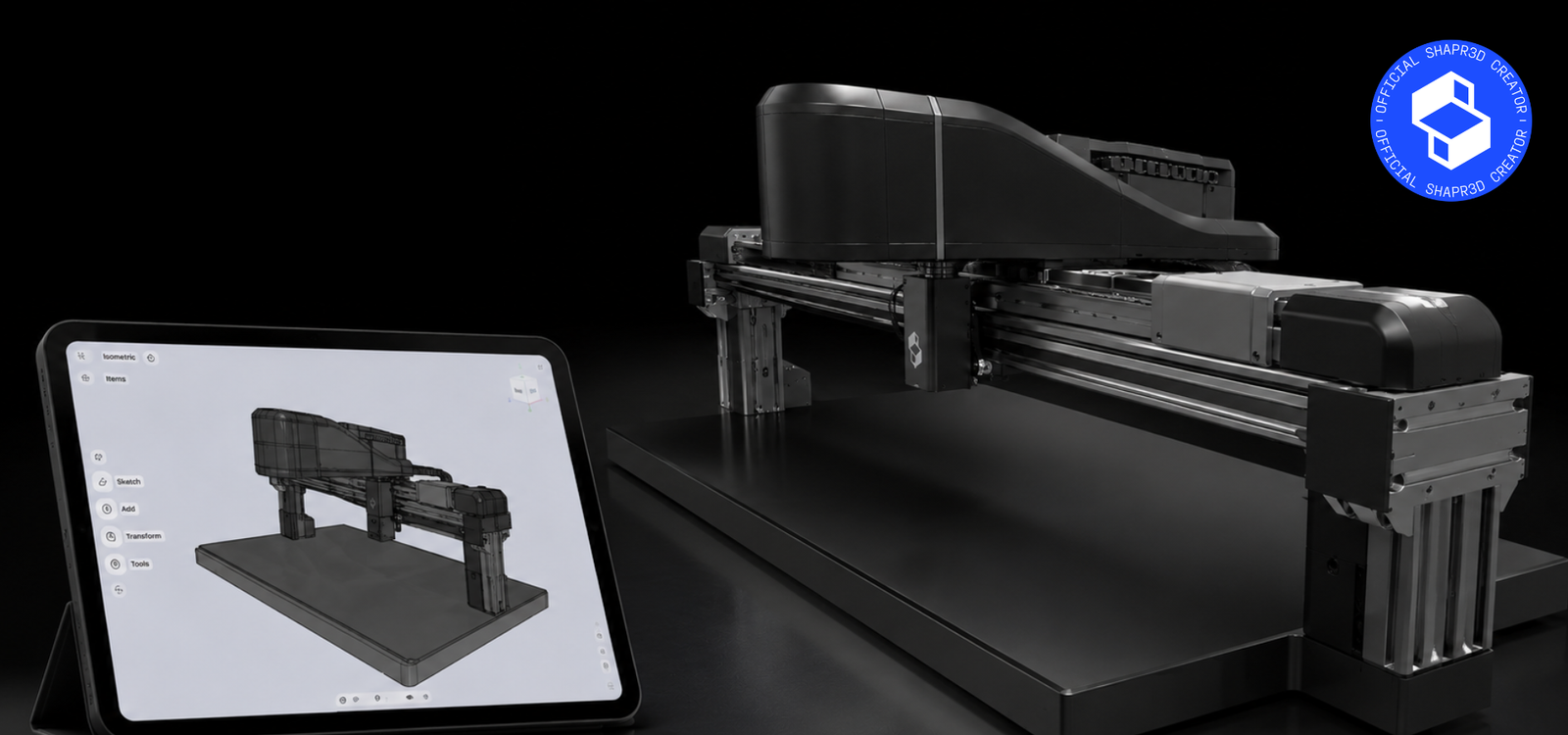
Apa Itu Shapr3D?
Shapr3D ialah perisian CAD untuk mereka bentuk model 3D, komponen mekanikal, produk, aksesori, prototaip, dan juga model untuk 3D printing. Bagi saya, kekuatan utama Shapr3D ialah cara penggunaannya yang lebih mudah difahami berbanding banyak perisian CAD tradisional, tetapi masih cukup serius untuk kerja teknikal.
Ia sesuai untuk maker, pereka produk, pelajar, jurutera, dan sesiapa yang mahu mula mereka bentuk objek 3D dengan aliran kerja yang lebih cepat dan kemas.
Kenapa Saya Guna Shapr3D?
Saya telah menggunakan Shapr3D selama lebih kurang 4 tahun. Ia bukan sahaja digunakan untuk projek peribadi saya, tetapi juga menjadi perisian CAD utama saya untuk kerja profesional.
Sepanjang tempoh tersebut, saya telah mereka bentuk beberapa peralatan laser dan komponen mekanikal menggunakan Shapr3D. Untuk saya, ini membuktikan bahawa Shapr3D bukan sekadar sesuai untuk hobi atau 3D printing kecil-kecilan, tetapi juga boleh digunakan untuk kerja kejuruteraan sebenar.
Siapa Yang Sesuai Guna Shapr3D?
Jika anda mahu reka model untuk 3D printing, buat produk sendiri, belajar asas CAD, atau reka komponen mekanikal dengan lebih cepat, Shapr3D adalah pilihan yang sangat mudah untuk mula digunakan.
Cara dapatkan 10% diskaun Shapr3D Pro:
Anda boleh mula menggunakan Shapr3D melalui link di bawah. Jika anda mahu membeli lesen Shapr3D Pro, masukkan kod ini semasa pembelian:
Cuba Shapr3D Secara Percuma
Mula dengan versi percuma dahulu. Jika sesuai dengan aliran kerja anda, gunakan kod RIDZWAN10 untuk dapatkan 10% diskaun apabila menaik taraf ke Shapr3D Pro.
Cuba Shapr3D PercumaWhat Is Shapr3D?
Shapr3D is a CAD software for designing 3D models, mechanical parts, products, accessories, prototypes, and 3D printable objects. For me, its biggest strength is that it feels easier to learn than many traditional CAD tools, while still being capable enough for serious technical work.
It is suitable for makers, product designers, students, engineers, and anyone who wants a faster and cleaner way to start designing in 3D.
Why I Use Shapr3D
I have been using Shapr3D for about 4 years. It is not only a tool I use for personal projects, but also my main CAD software for professional work.
During that time, I have designed several laser equipment systems and mechanical components using Shapr3D. For me, this proves that Shapr3D is not just for hobby projects or simple 3D printing parts, but can also be used for real engineering work.
Who Is Shapr3D For?
If you want to design models for 3D printing, create your own products, learn CAD, or design mechanical parts with a faster workflow, Shapr3D is one of the easiest CAD tools to start with.
How to get 10% off Shapr3D Pro:
You can start using Shapr3D through the link below. If you decide to purchase Shapr3D Pro, use this code during checkout:
Try Shapr3D for Free
Start with the free version first. If it fits your workflow, use RIDZWAN10 to get 10% off when upgrading to Shapr3D Pro.
Try Shapr3D FreeDisclosure: This page contains an affiliate referral link. If you purchase a Shapr3D subscription using the RIDZWAN10 code or referral link, I may receive a commission at no additional cost to you. This helps support Domechy and allows me to continue creating free content for the 3D printing and design community.
